The photos fromgame dayin one album.
Pick how far back to go, or start from right now. Lately puts those photos in one album with a QR code. Everyone who was there scans it and saves what they want, on iPhone, Android or a laptop. They don't need the app.
Lately is coming to Google Play soon. In the meantime, download the Android app directly. Version 0.2.3 (12), updated Sep 29, 2026. The iPhone version is coming soon.

How it works
Pick how far back
The last hour, 4, 8 or 24 hours, or Now to start an empty album that fills as you shoot. Tap any photo you'd rather keep to yourself.










Show the code
People scan the QR code or open the link. If you set a password, they type it once.
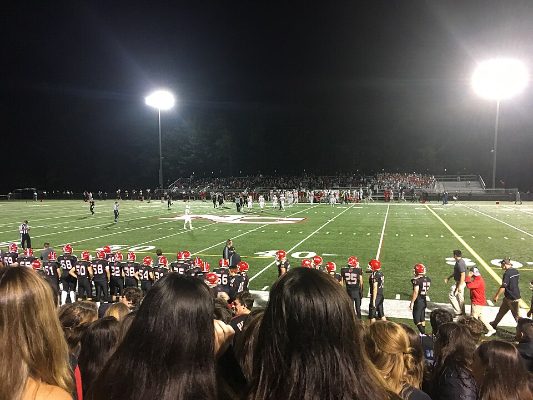
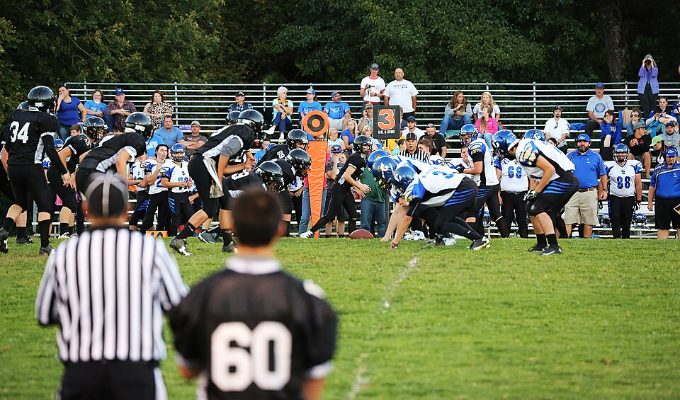
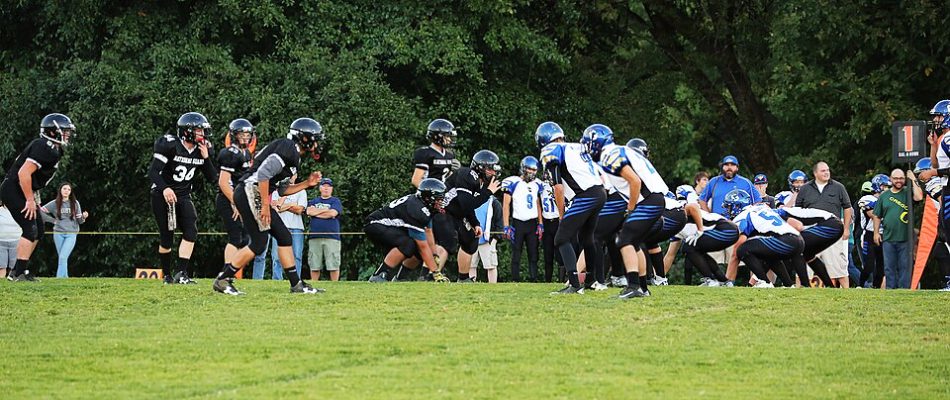
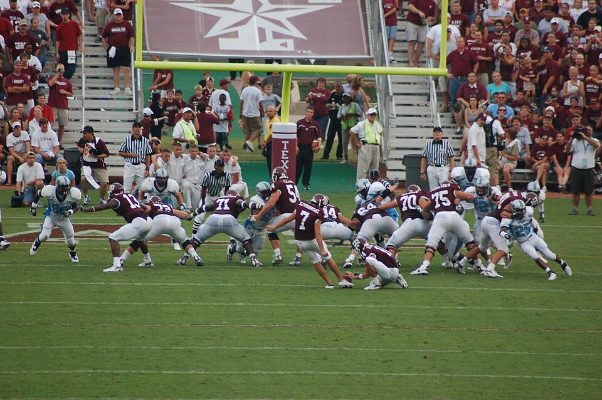
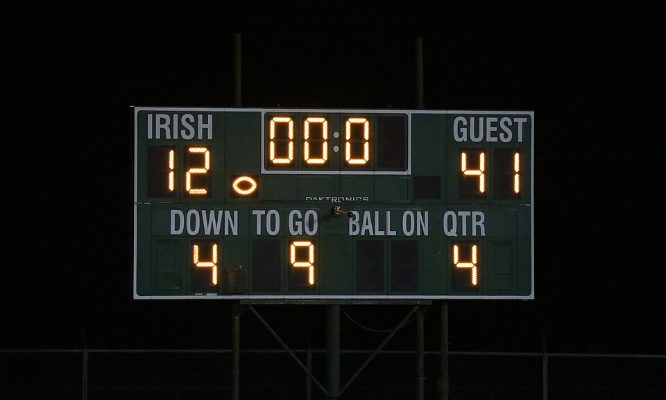
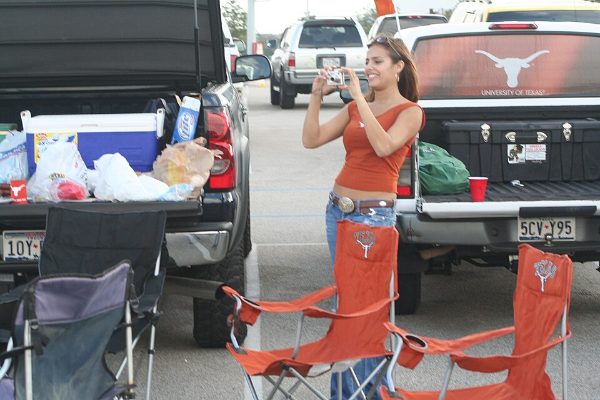
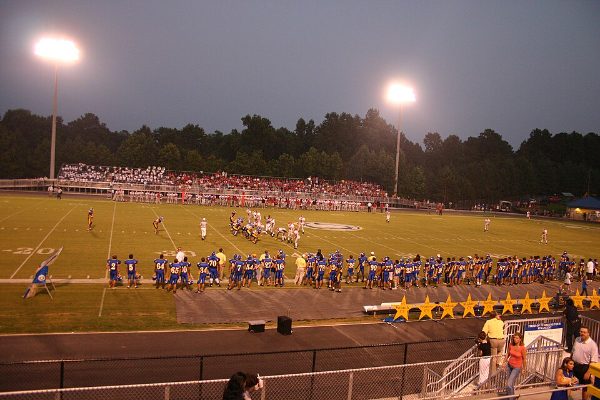
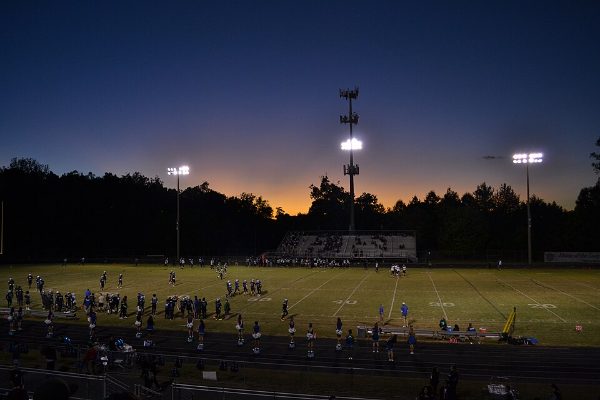
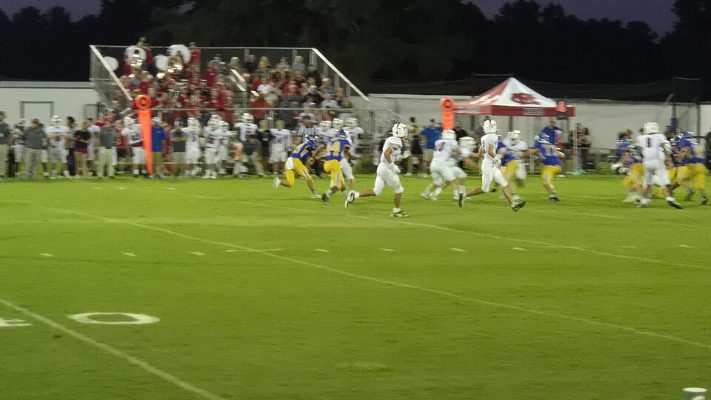
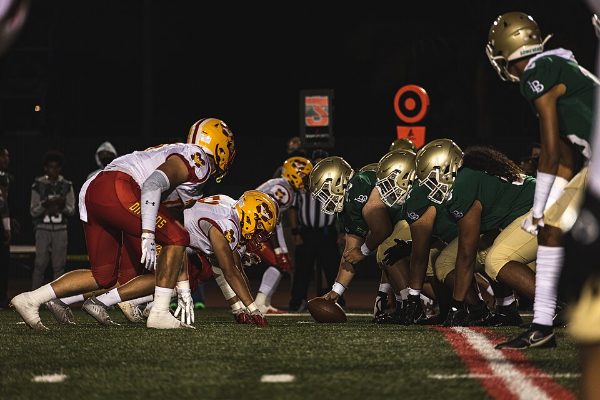
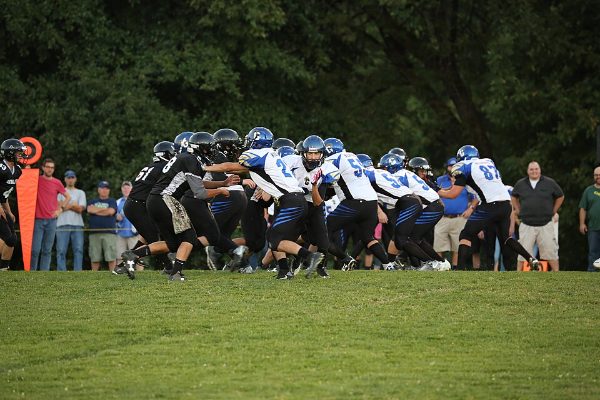
Friday night game
Everyone saves what they want
The album opens in their browser. One tap saves the photos to their camera roll at full quality. They can add their own, too.


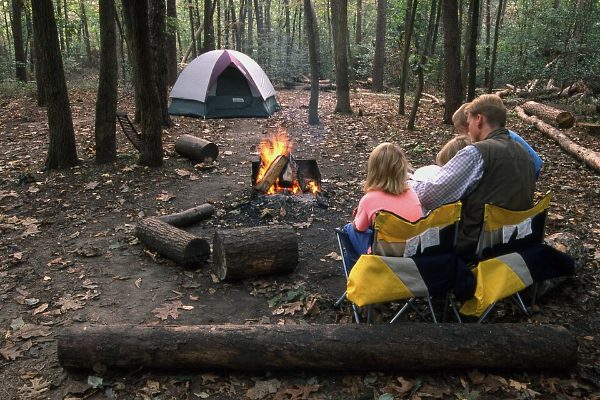


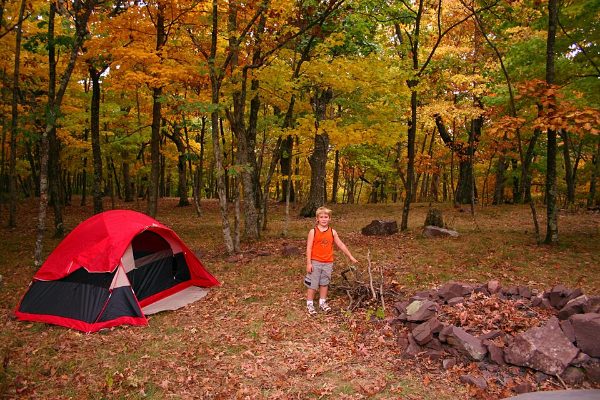
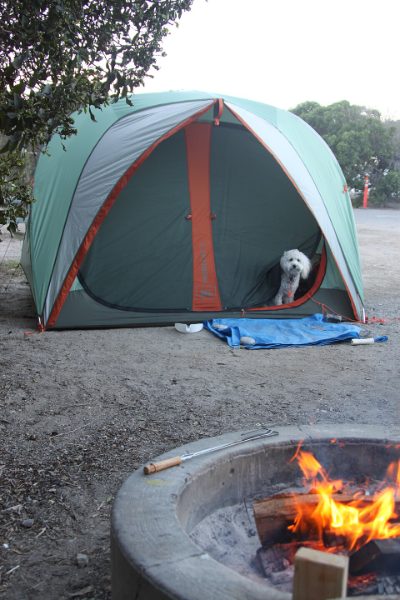
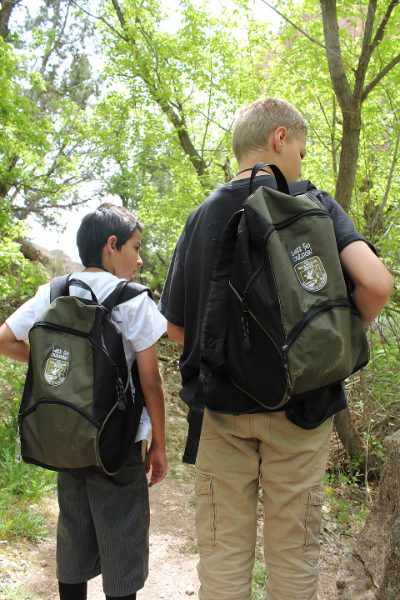

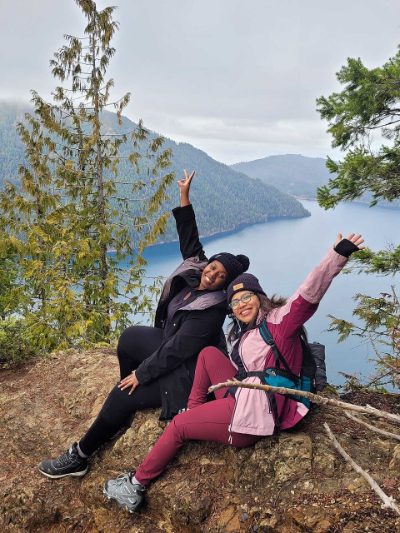


Made for the days you want to remember
Anywhere a group of people is taking pictures at once.


What your guests see
A plain page with the photos, a button to save them to their phone, and one to add their own. That one below is a real album. Open it on your phone and try it.
Friday night game12 photos, shared by James
Why I made it
My sister came to me with the idea. She wanted an easier way to share photos: something that works across everyone's devices, iPhone or Android, and makes it simple for people to download the pictures.
So I built Lately. You make the album, and everyone else just needs a camera to scan the code.
Questions
Do the people I share with need the app?
No. The code opens the album in any web browser, on any phone or computer. No account, nothing to install.
Does it work between iPhone and Android?
Yes, that's the main reason it exists. Whoever makes the album uses the app, and everyone else just scans the code. On iPhone, Save to Photos puts pictures in the camera roll; on Android they land in the gallery.
Does Lately upload my whole photo library?
No. It only uploads the photos from the window you pick, minus any you tap to leave out. Auto-share only sends photos you take after you turn it on, and never screenshots.
Can I keep an album private?
Add a password when you make it, or later. You can also take out any photo, set the link to expire, or close the album, which deletes the shared copies.
Is it on the App Store or Google Play?
Not yet. It is coming to Google Play soon, and the iPhone version is coming soon too. Until then, Android phones can download the app directly from this page.
What does it cost?
Nothing while it is in beta.
Try it
Android: Lately is coming to Google Play soon. In the meantime, download the app directly. Version 0.2.3 (12), updated Sep 29, 2026. Open the file and allow installs from your browser the first time. Downloading again later updates it and keeps your albums.
iPhone: coming soon. Leave your email and I'll let you know the day it's ready.