Lately · Game day
Game day photos for the whole team.
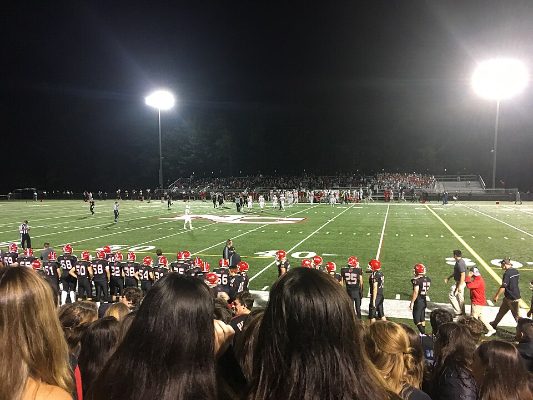
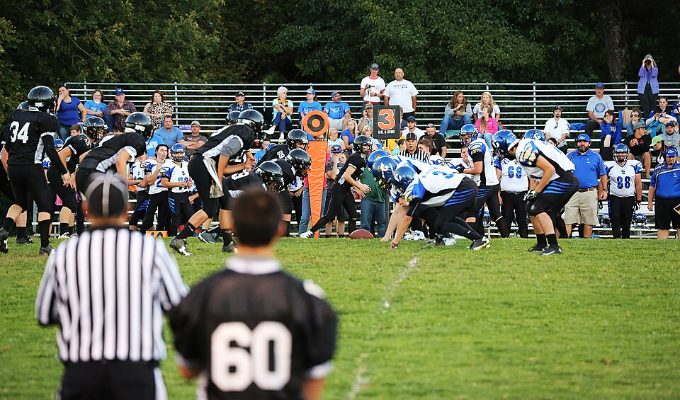
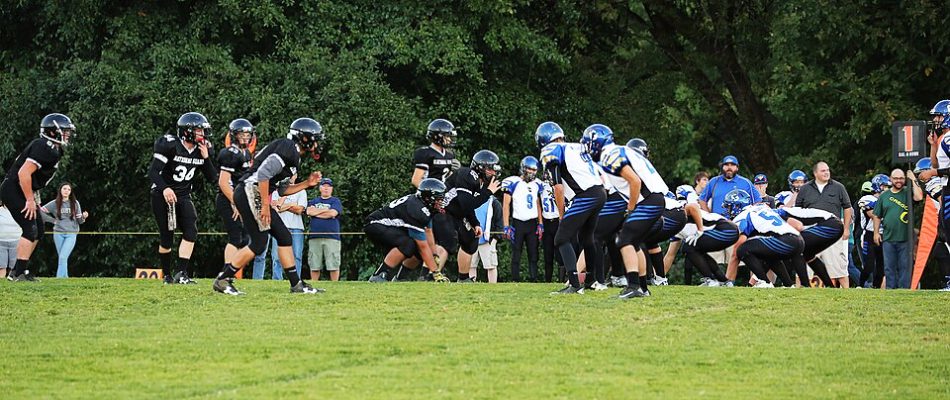
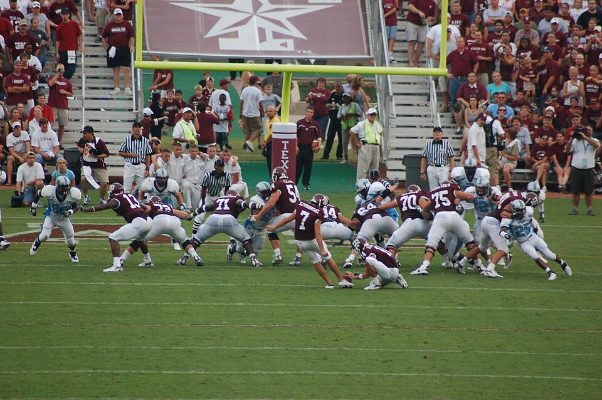
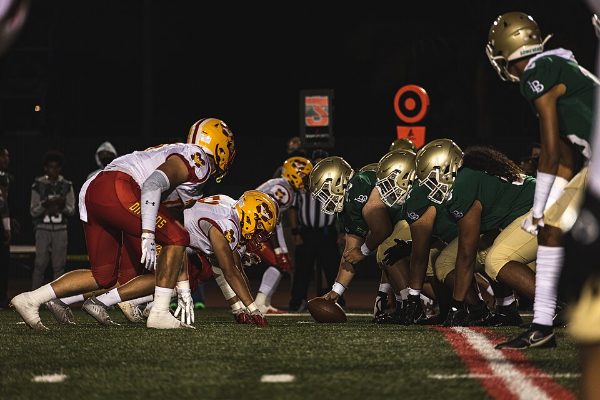
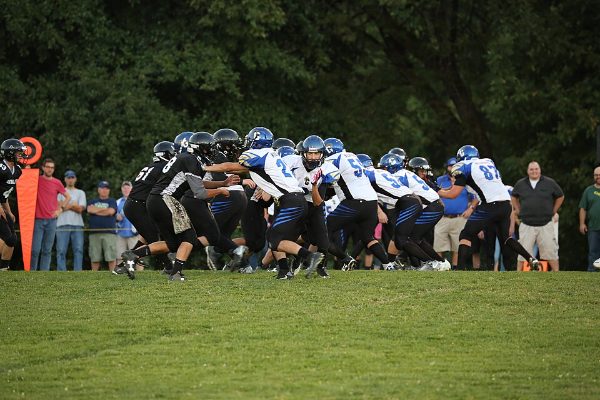
Every parent in the stands has a few great shots of your kid, and you have a few of theirs. Lately gathers the game’s photos into one album with a QR code, so the whole team can see them and save their favorites.
Coming to Google Play soon; until then, download the Android app directly. Version 0.2.3 (12), updated Sep 29, 2026. iPhone is coming soon.




How it works
Make the album after the whistle
Tap 4 hours and every photo and video from the game is in the album. Tap any you’d rather keep to yourself to leave them out.
Share the code
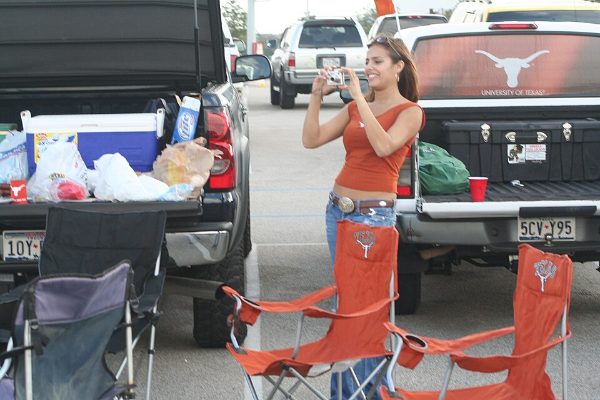
Text the link to the team chat or hold up your phone at the tailgate. It opens in any browser.
Parents add theirs
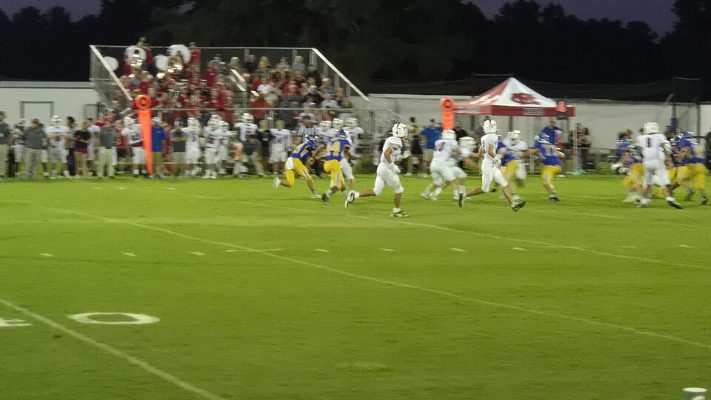
Other parents add the shots they took, so the album covers the whole field, not just your side of it.
Tips
- Make one album per game, named after the opponent, so they’re easy to find later.
- Turn on Auto-share (Android) at kickoff and photos go in as you take them.
- Videos work too, up to 95 MB each.
Questions
How do I share sports photos with the whole team?
Make a Lately album from the photos you took at the game, then share its QR code or link in the team chat. Parents open it in their browser and save the photos they want.
Does it work for parents with iPhones and Androids?
Yes. The album opens in any browser, and Save to Photos puts pictures straight into the camera roll on iPhone or the gallery on Android.
Can other parents add their photos?
Yes, from the album page in their browser, unless you turn guest photos off.