Lately · Birthdays
Birthday party photos, all in one place.
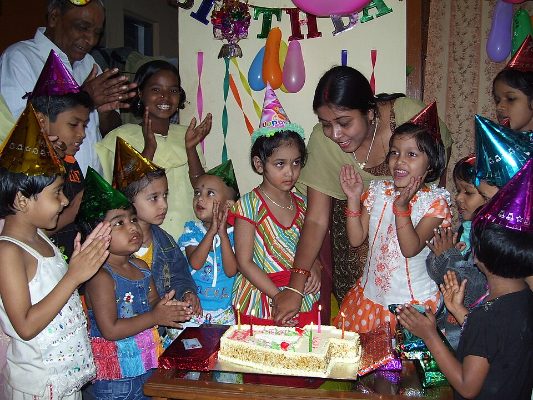
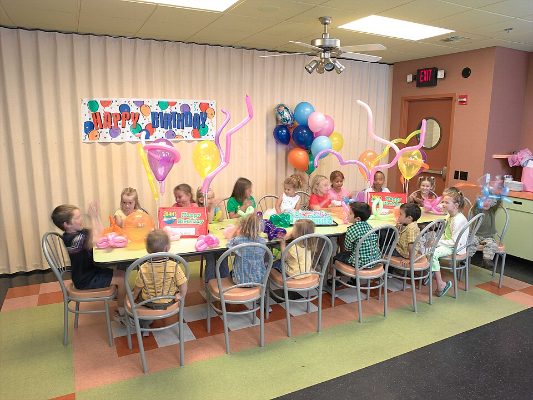
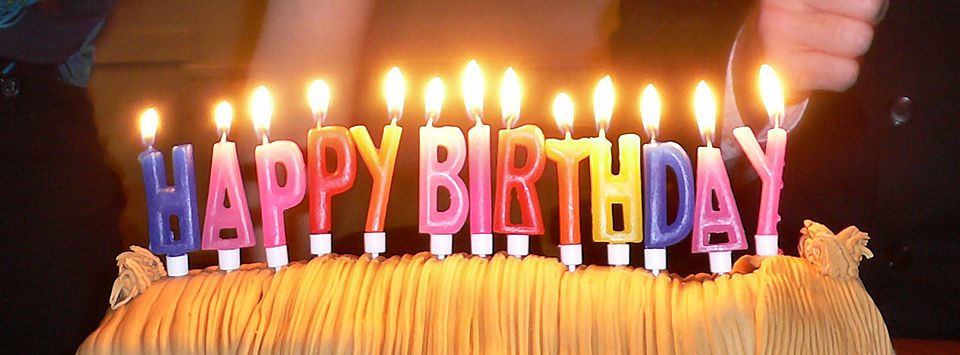
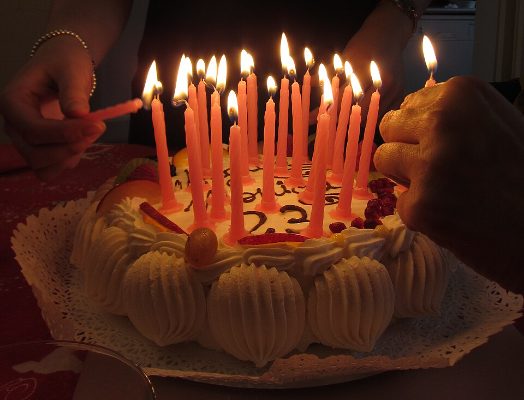
The cake, the candles, the presents: everyone at the party got a different angle. Lately puts the party’s photos in one album that every parent can open with a QR code and save from.
Coming to Google Play soon; until then, download the Android app directly. Version 0.2.3 (12), updated Sep 29, 2026. iPhone is coming soon.




How it works
Make the album when the party ends
Tap 4 hours and the whole party is in it. Leave out any photo you don’t want to share.
Send the link
Text it to the other parents or print the code on the thank-you cards.
Everyone saves their favorites
Parents save photos of their own kids straight to their camera roll and add the ones they took.
Tips
- Add a password if the album has photos of other people’s children.
- Set the link to expire after a week so it doesn’t stay out there.
- Guests can add their photos, so you get the ones you weren’t in the room for.
Questions
How do I get photos from the other parents after a party?
Share a Lately album and turn on guest photos. Parents tap Add your photos on the album page and pick photos from their phone, no app needed.
Is a birthday album private?
Only people with the code or link can open it, and you can add a password, remove photos or close the album at any time.
Does it cost anything?
No, Lately is free during the beta.