Photo credits
The example photos on this site come from Wikimedia Commons and are used under their free licenses. None of the people shown have anything to do with Lately. Tap a title to see the original and its license.
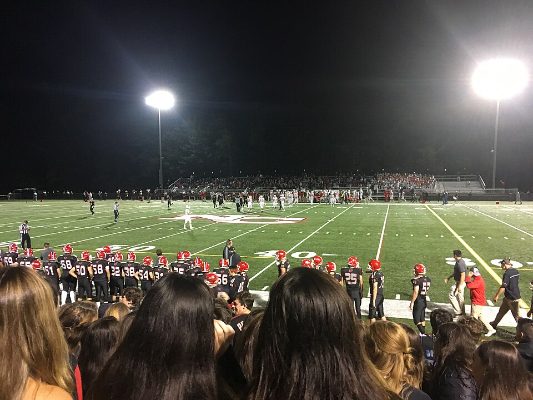 High School Football Game at New Canaan High School, CT
Redditaddict69, CC BY-SA 4.0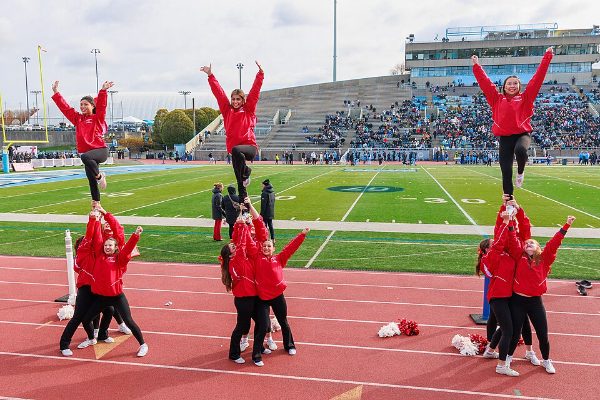 Cornell cheerleaders at Columbia Lions football game, November 2024
Kenneth C. Zirkel, CC BY 4.0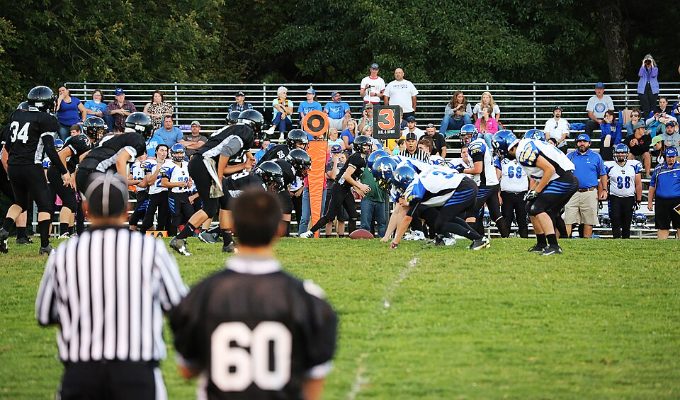 High school football game in Oregon (TK1)
Tobias Kleinlercher / Wikipedia, CC BY-SA 3.0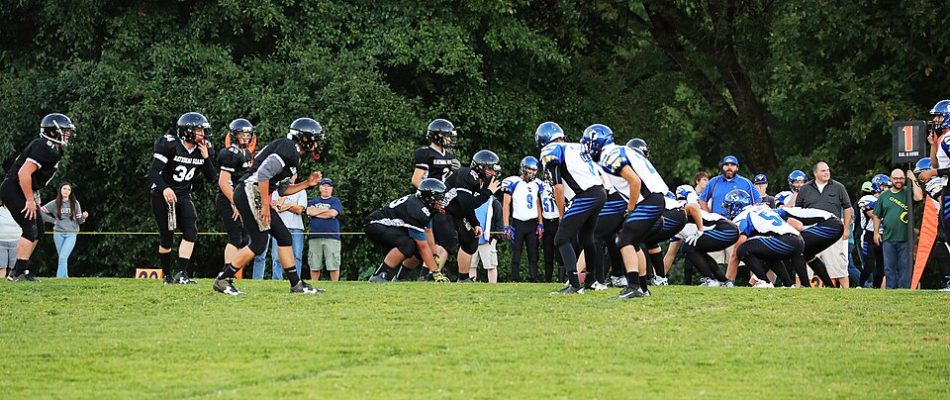 High school football game in Oregon (TK2)
Tobias Kleinlercher / Wikipedia, CC BY-SA 3.0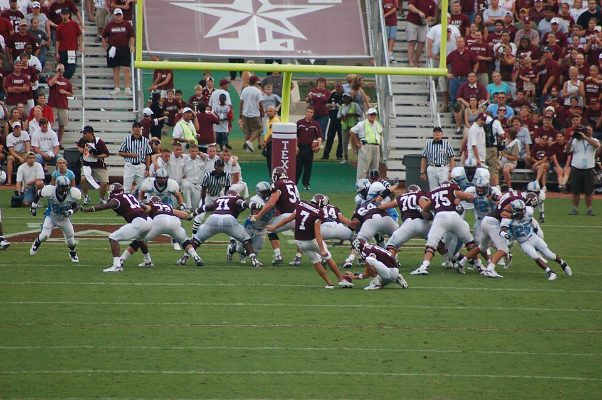 Matt Szymanski, Texas A&M v. The Citadel college football game - 20060902
Patrick, CC BY-SA 2.0 High school football game in Oregon (TK15)
Tobias Kleinlercher / Wikipedia, CC BY-SA 3.0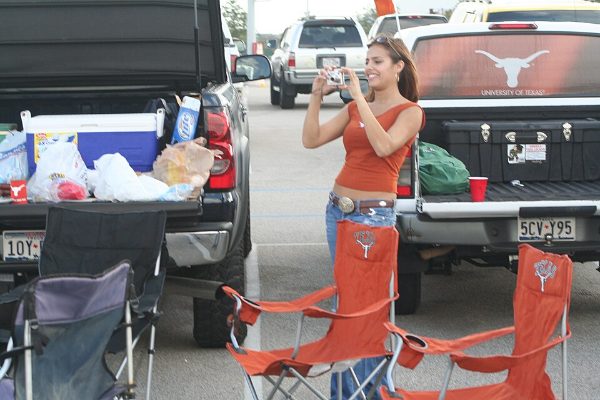 Woman at a tailgate party for a UT football game
Johntex, CC BY 2.5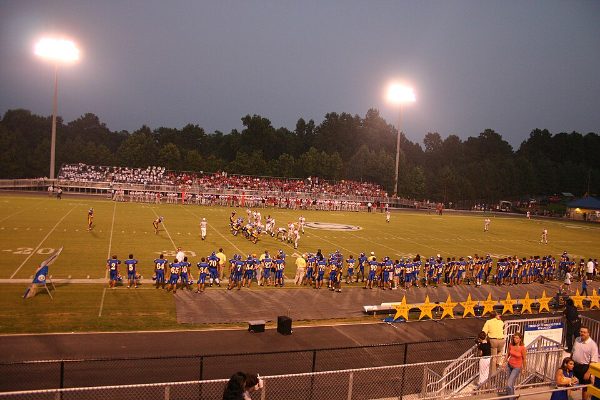 Chattahoochee High School Cougars football game, Sept 2 2005
DividedFrame, CC BY-SA 4.0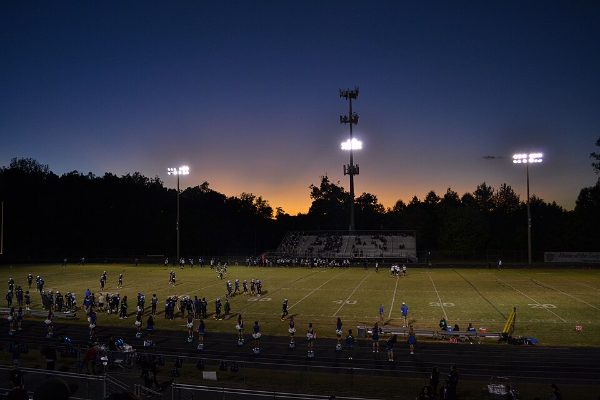 Forest Park High School football (Woodbridge, Virginia), Muted Sunset
Northern-Virginia-Photographer, CC BY-SA 4.0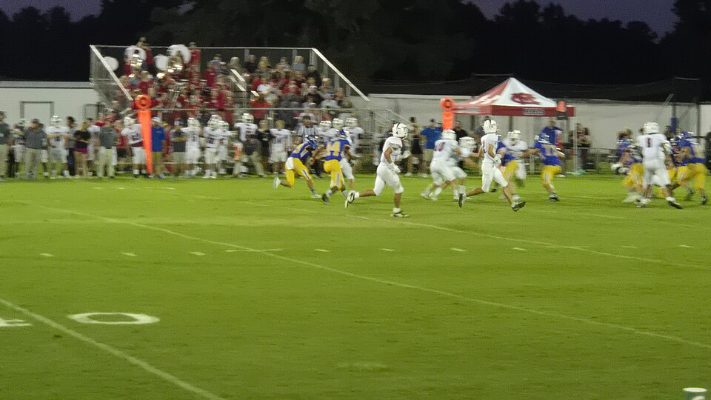 Whitmire vs Mid-Carolina High School Football Game Sept. 4, 2026
Thomas Kirchel, CC0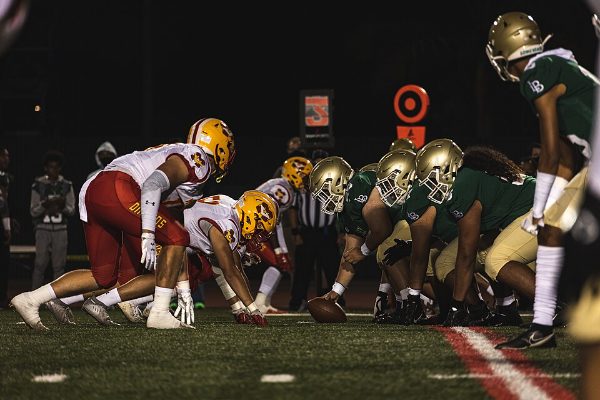 Mission Viejo vs. Long Beach Poly High School Football at Veterans Memorial Stadium in Lon
U.S. Marine Corps photo by Sgt. Christian Cachola, Public domain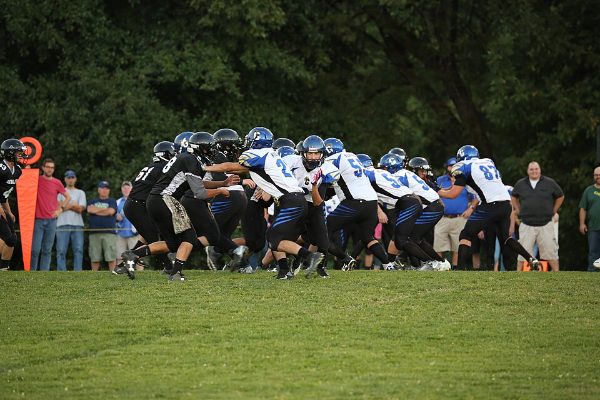 High school football game in Oregon (TK4)
Tobias Kleinlercher / Wikipedia, CC BY-SA 3.0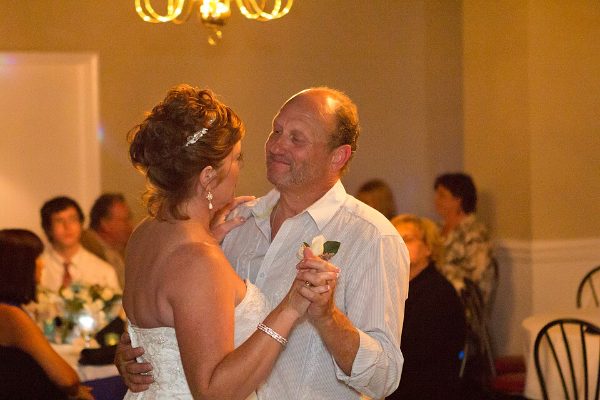 BethsWeddingReception-3467 (8298593259)
John Trainor from Roswell, GA, USA, CC BY 2.0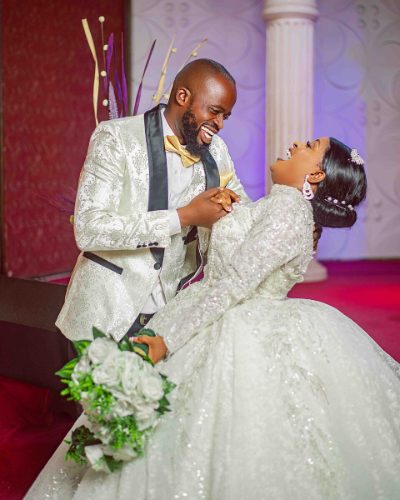 Wedding couple in Nigeria 137
MediaMOF, CC BY-SA 4.0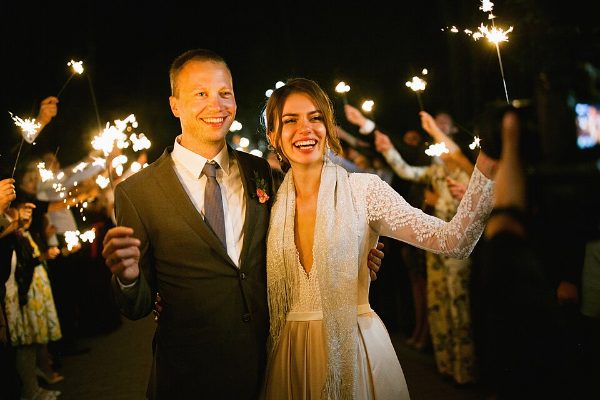 Couple from a Belarus wedding
Mikhail Kapychka, CC BY-SA 4.0 Couple at a wedding ceremony in Indonesia
Maxinick11, CC BY-SA 4.0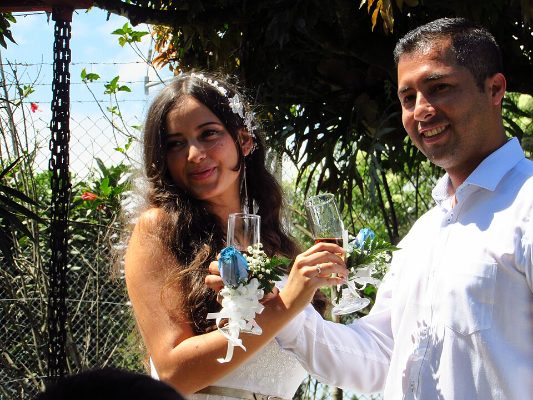 Couple in an Elements Wedding Ceremony, Colombia
Carlos Andres Sanchez Garcia, CC BY-SA 4.0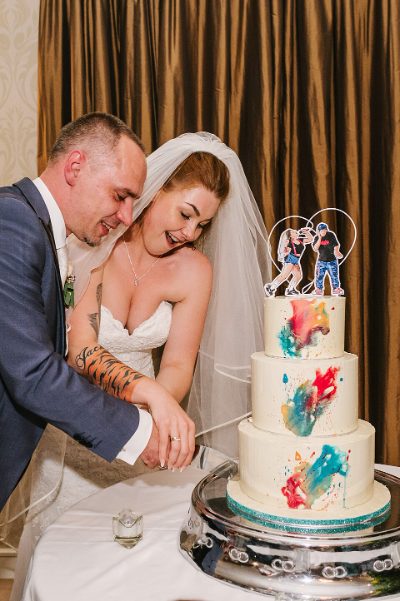 Cutting the graffiti splash wedding cake - MissElayneous & FunkTom 2019 ((Cc-by-sa-2.0)) -
Temper-Mental MissElayneous Elayne Harrington, CC BY-SA 2.0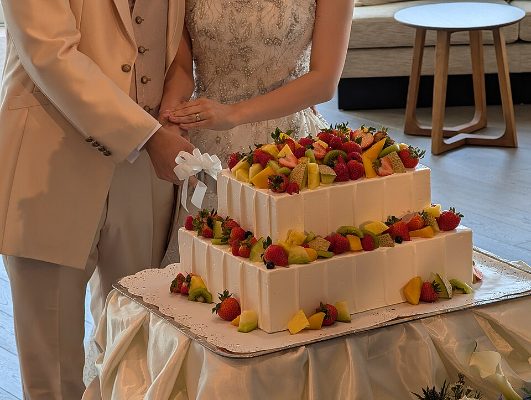 Wedding cake cutting at InterContinental Yokohama Grand
Syced, CC0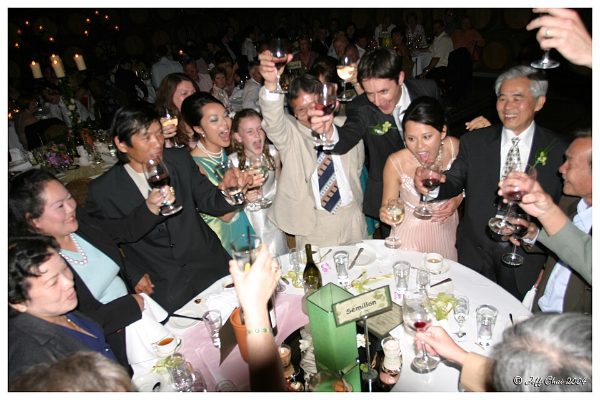 Toasting-Wedding celebration
Jason Hutchens from Sydney, Australia, CC BY 2.0 Brindis (4747648957)
Juan Antonio Capó Alonso, CC BY 2.0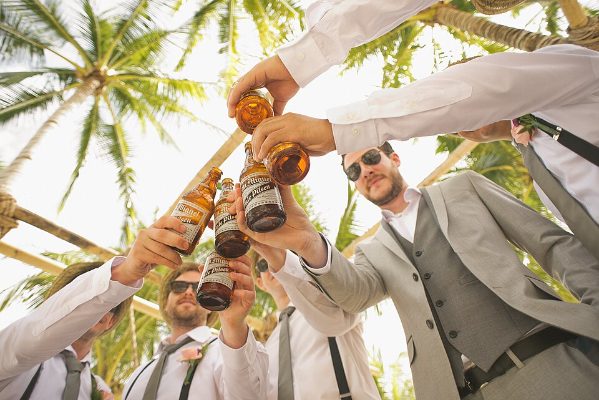 Men drinking
Kats Weil, CC0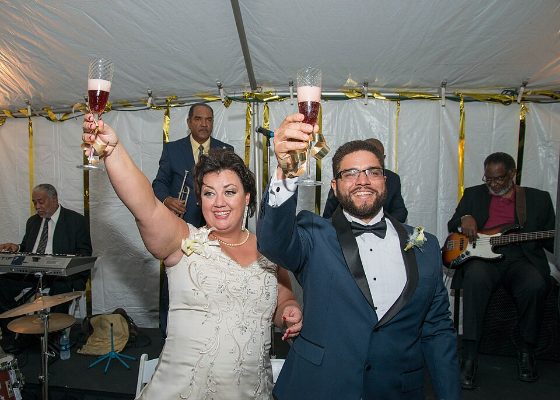 Wendell Brunious at Brandon and Megan Wedding New Orleans Nov 2016 01
Charles Mims, CC BY 2.0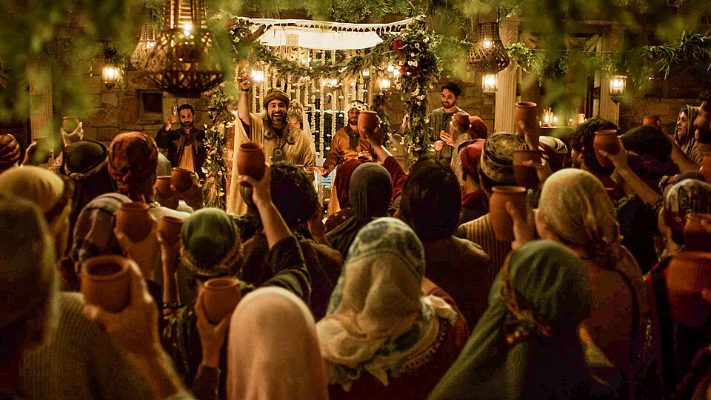 The Chosen - A toast at the wedding banquet
The Chosen press photos (press.thechosen.tv), CC BY-SA 4.0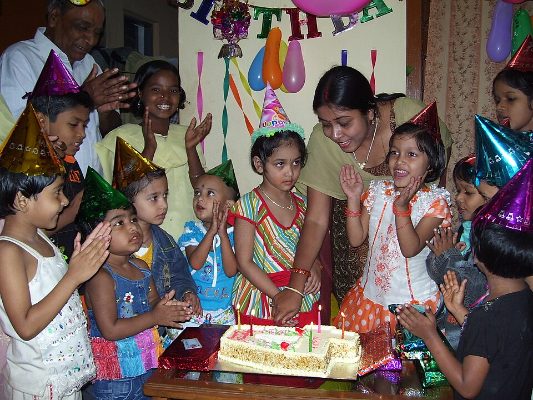 Birthday party
suyash (talk). The original uploader was A suyash at English Wikipedia., Public domain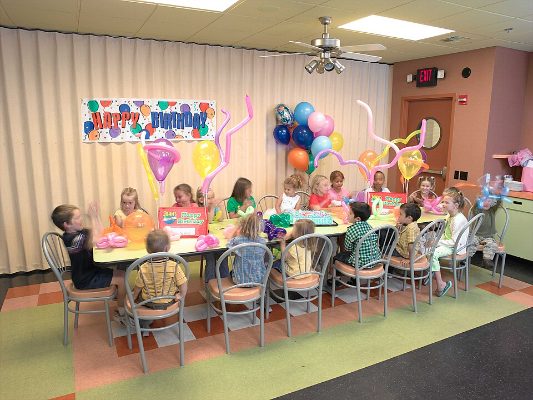 Johns Inc Birthday party
Tudokin, CC BY-SA 3.0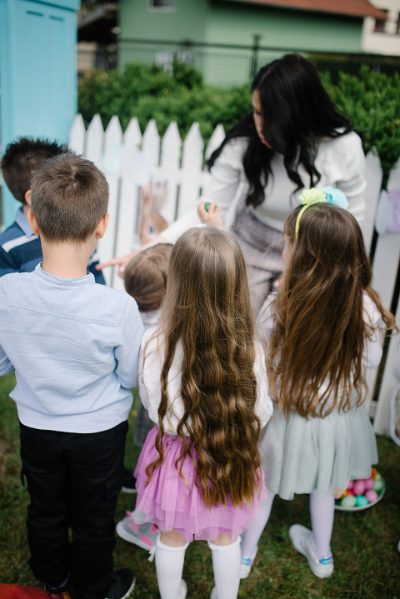 Children playing outdoors on birthday party in garden in spring. Back view of children. (5
Nenad Stojkovic, CC BY 2.0 Birthday candles
Ed g2s, CC BY-SA 3.0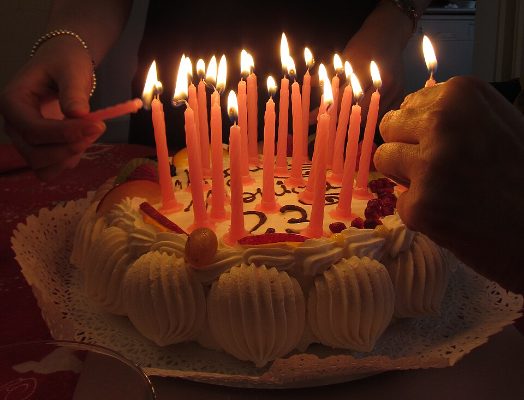 Italy - birthday cake with candles 3
Francesca Cesa Bianchi, Milano, CC BY-SA 3.0 it Italy - birthday cake with candles 5
Francesca Cesa Bianchi, Milano, CC BY-SA 3.0 it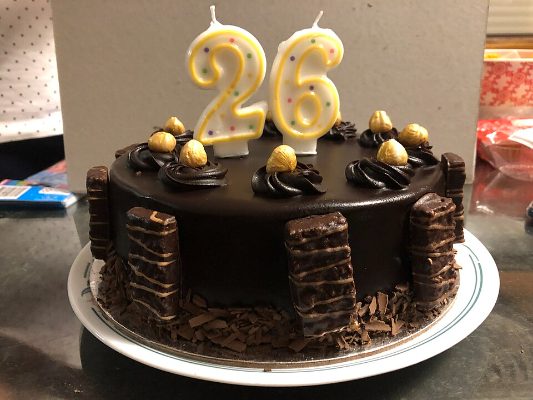 Tim Tams and Nuts on a Birthday Cake With Candles
Brassluff, CC0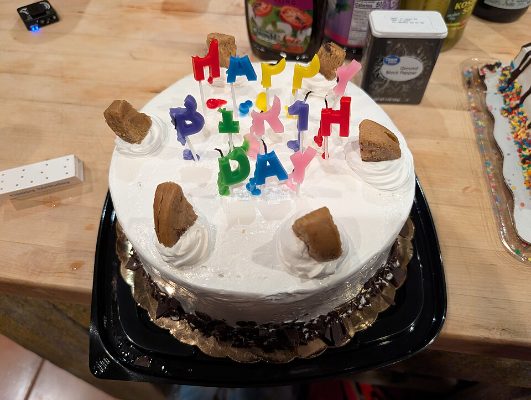 Birthday cake with half melted candles
Hannah Clover, CC BY 4.0 A dog's birthday (9160323793)
Hubert Figuière from Montréal, Canada, CC BY-SA 2.0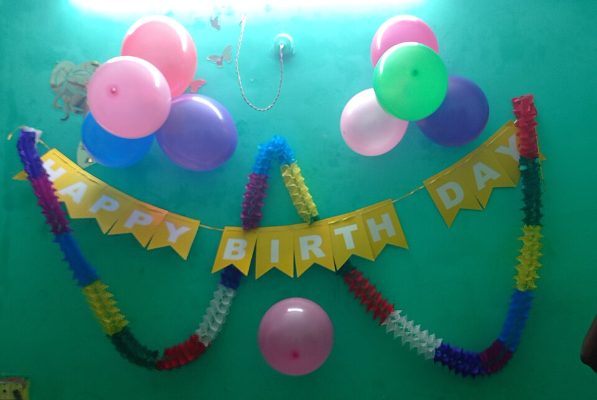 Birthday party decoration
Abinayasekar357, CC0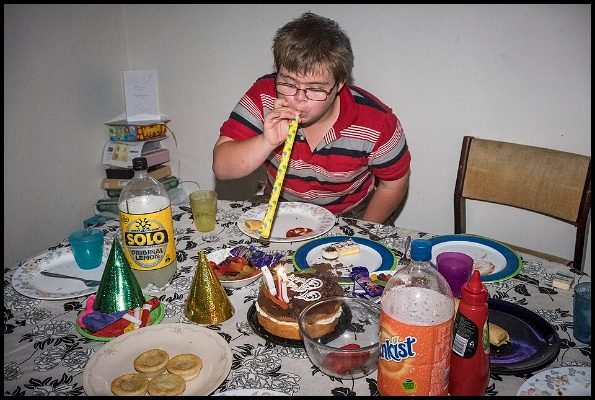 Ben blowing candles out-1 (25153337722)
Sheba_Also 43,000 photos, CC BY-SA 2.0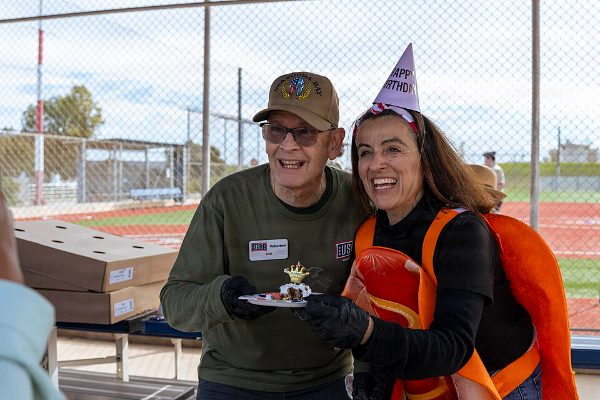 NSA Souda Bay USO 85th Birthday Celebration (9507702)
U.S. Navy photo by Petty Officer 2nd Class Andrew Eder, Public domain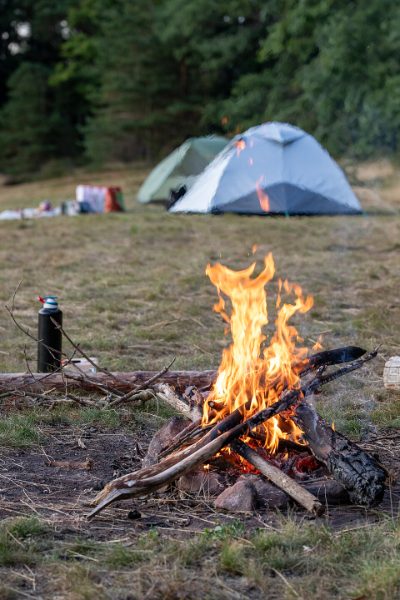 Campfire in front of two Bivouac tents
Jygle, CC BY-SA 4.0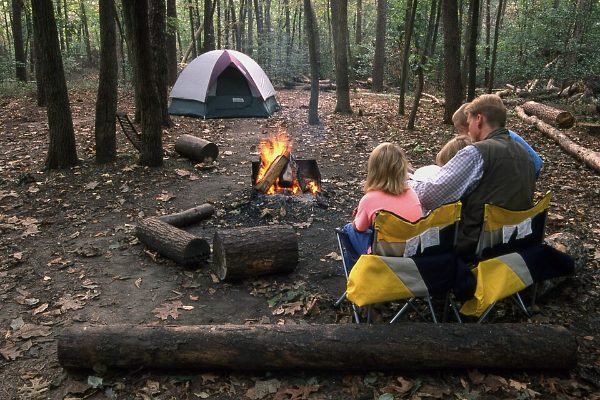 Campfire in Greenbelt Park (b1607593-79fa-4c2f-b3f3-64793069a6b5)
NPS Photo, Public domain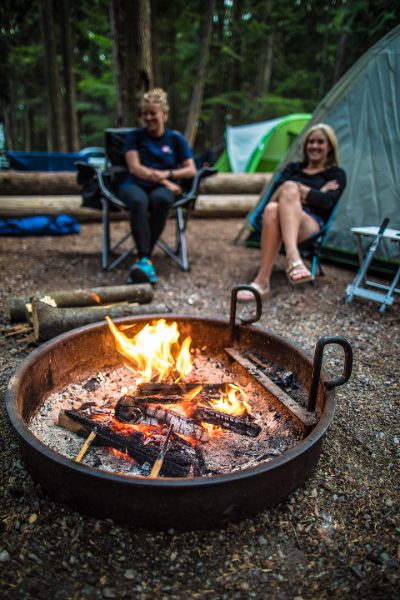 Keep your Campfire under Control (43197260704)
GlacierNPS, Public domain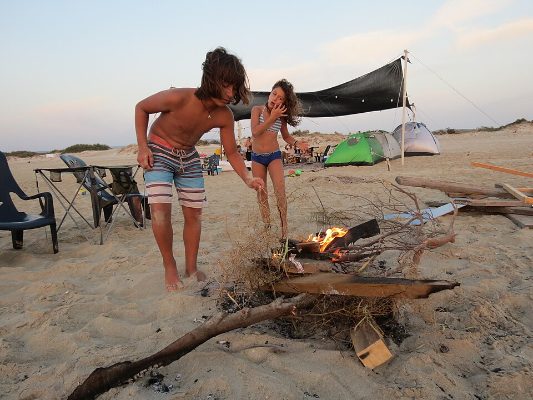 מחנאות אלרז כהן תיכון רוטברג
Elraz cohen, CC BY-SA 4.0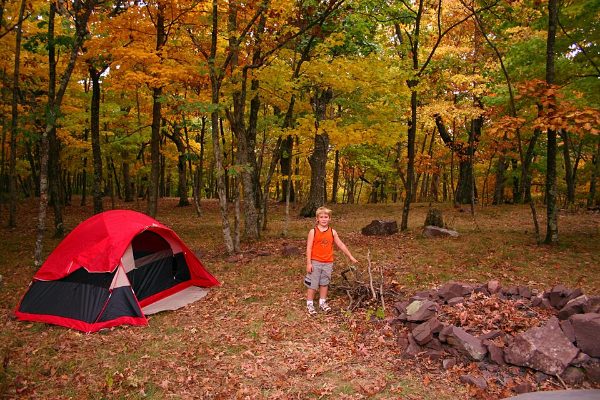 Camp - West Virginia - ForestWander
ForestWander, CC BY-SA 3.0 us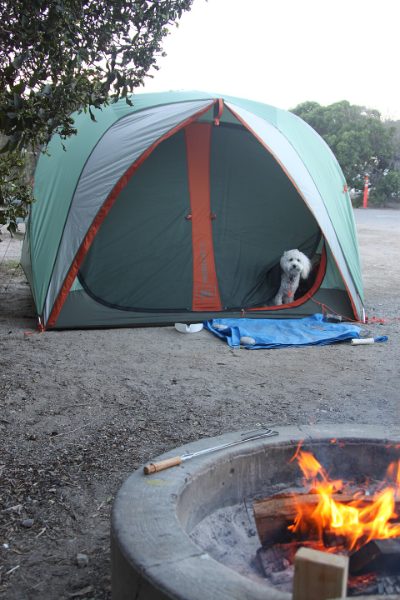 Site 69 (6724182593) (2)
John Murphy, CC BY-SA 2.0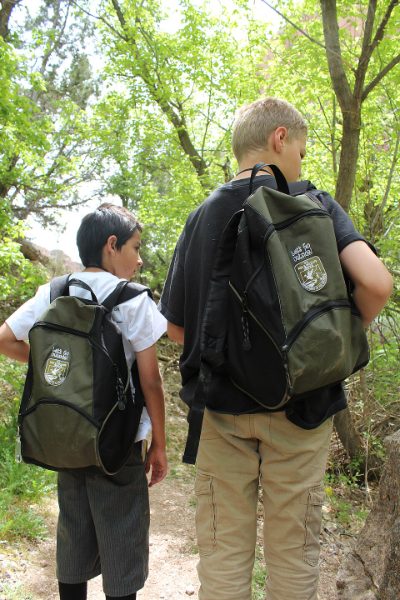 Lets Go Outside! (7414484032)
USFWS Mountain-Prairie, Public domain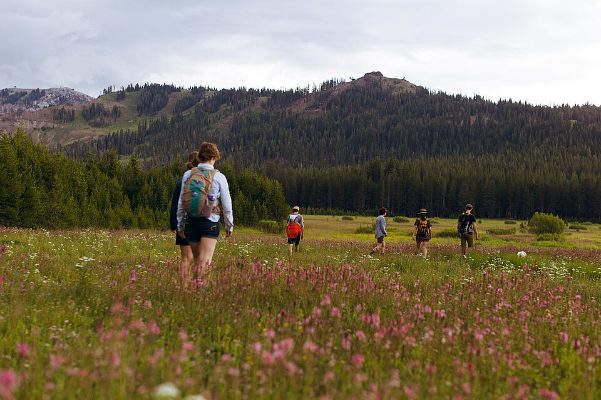 2015 Independence Day Hike (119210099)
Patrick Piemonte, CC BY-SA 3.0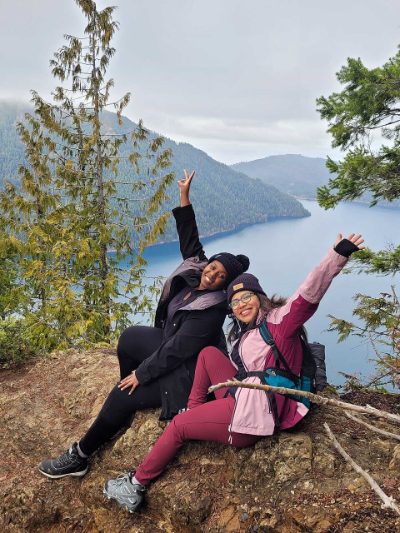 Women smiling after hike (0d23d1d3-c778-4a7c-8e1c-e27dc2de9673)
NPS Photo, Public domain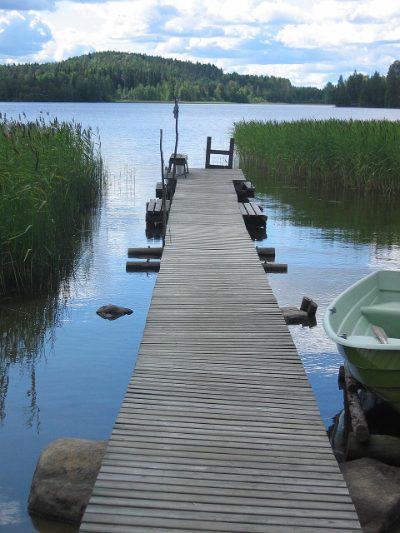 Summer cottage dock
SeppVei, Public domain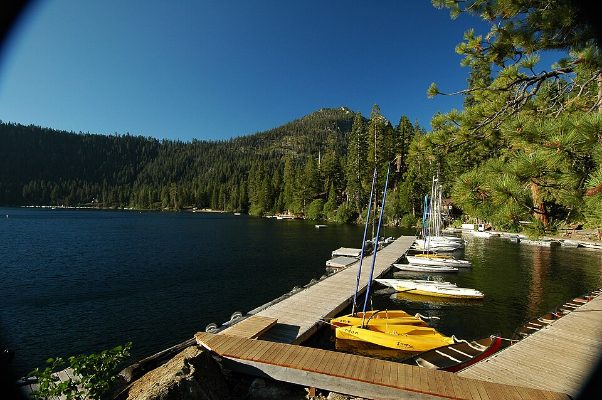 Stanford Sierra Camp's Boat Dock on Fallen Leaf Lake
The original uploader was ForestH2 at English Wikipedia., CC BY-SA 3.0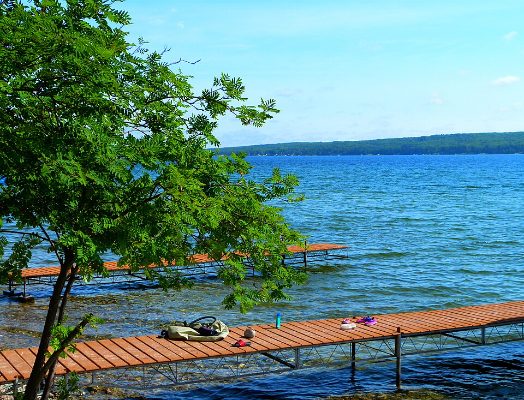 Mountain ash summer lake
Ian Poellet, CC BY-SA 4.0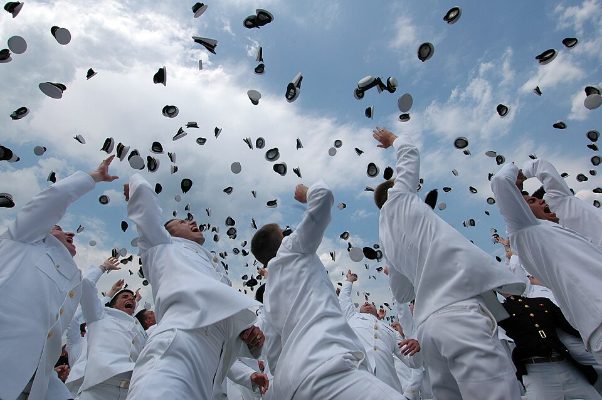 AnnapolisGraduation
U.S. Navy Photographer's Mate 2nd Class Daniel J. McLain, Public domain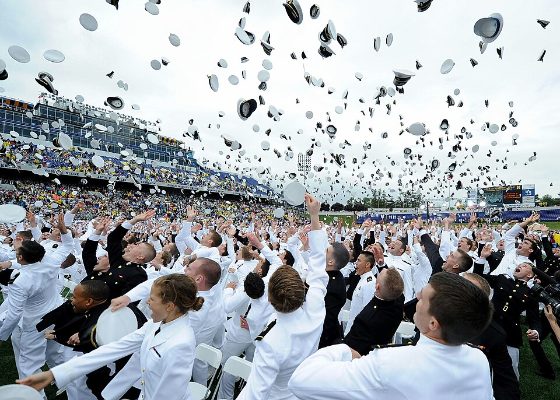 U.S. Naval Academy graduates throw their caps in the air during the class of 2013 graduati
MCC Sam Shavers, Public domain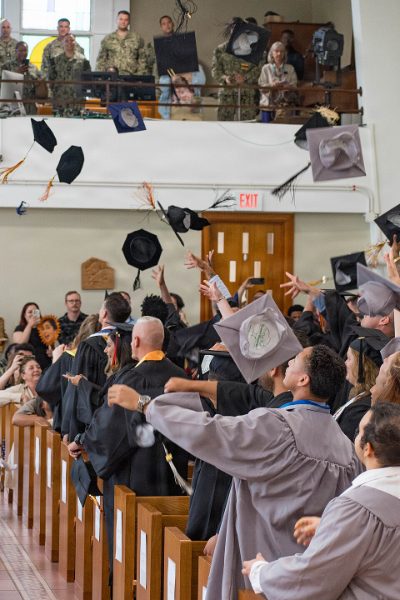 Naval Station Rota holds college graduation ceremony (9696845)
U.S. Navy photo by Petty Officer 1st Class Drace Wilson, Public domain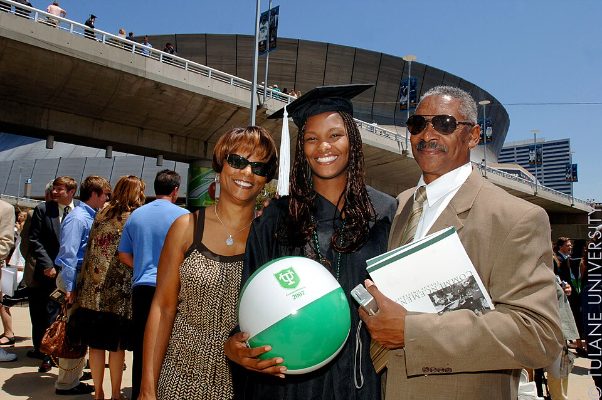 Family at Graduation (3619789132)
Tulane Public Relations, CC BY 2.0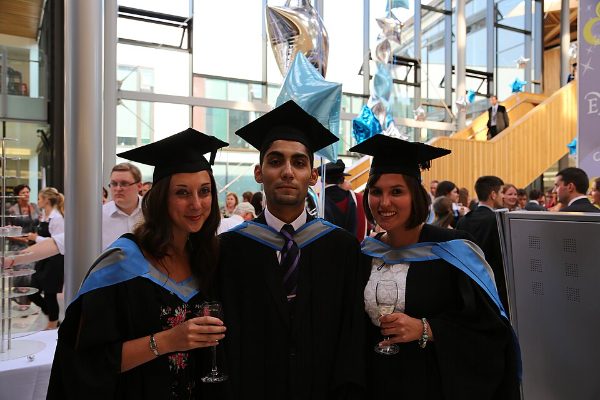 Modern Languages Graduation 15th July (9299201607)
University of Exeter from United Kingdom, CC BY 2.0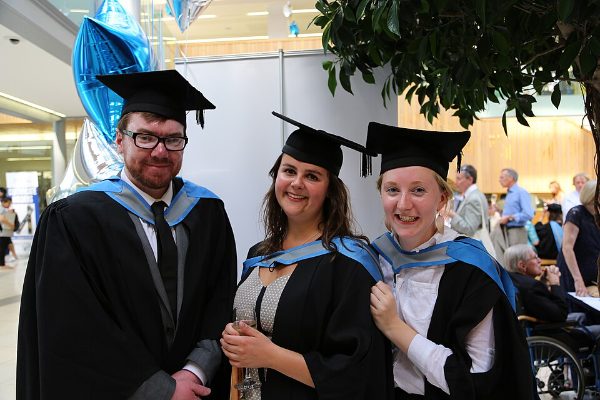 Modern Languages Graduation 15th July (9299196307)
University of Exeter from United Kingdom, CC BY 2.0 Modern Languages Graduation 15th July (9301992376)
University of Exeter from United Kingdom, CC BY 2.0 Modern Languages Graduation 15th July (9299206085)
University of Exeter from United Kingdom, CC BY 2.0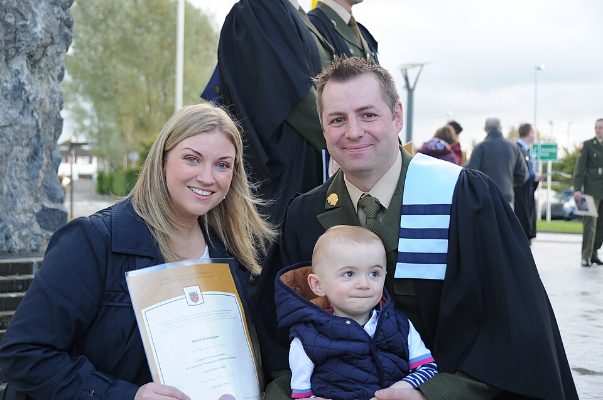 Carlow Graduation 18 (10632416793)
Irish Defence Forces, CC BY 2.0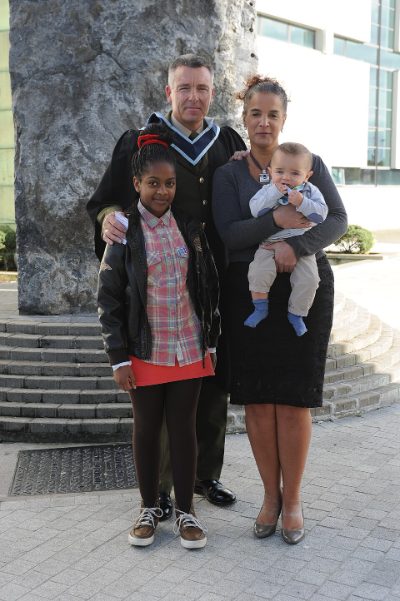 Carlow Graduation 38 (10632777234)
Irish Defence Forces, CC BY 2.0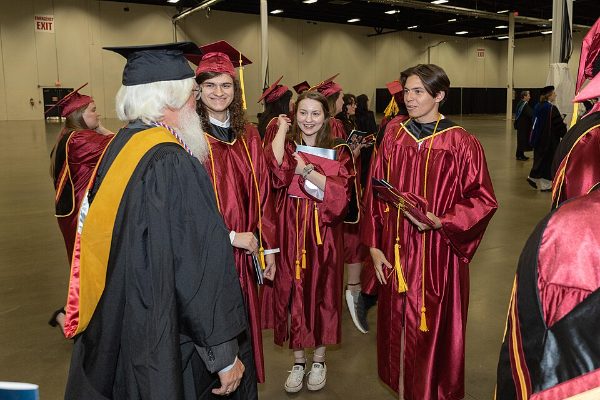 Spring 2023 commencement ceremony - 52899324498
Germanna CC, CC BY 2.0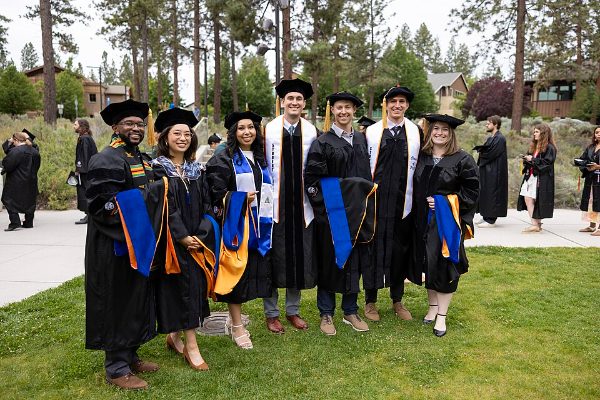 20240616-Commencement-hn-62
Oregon State University, CC BY-SA 2.0


)_-_53960599612.jpg)


